
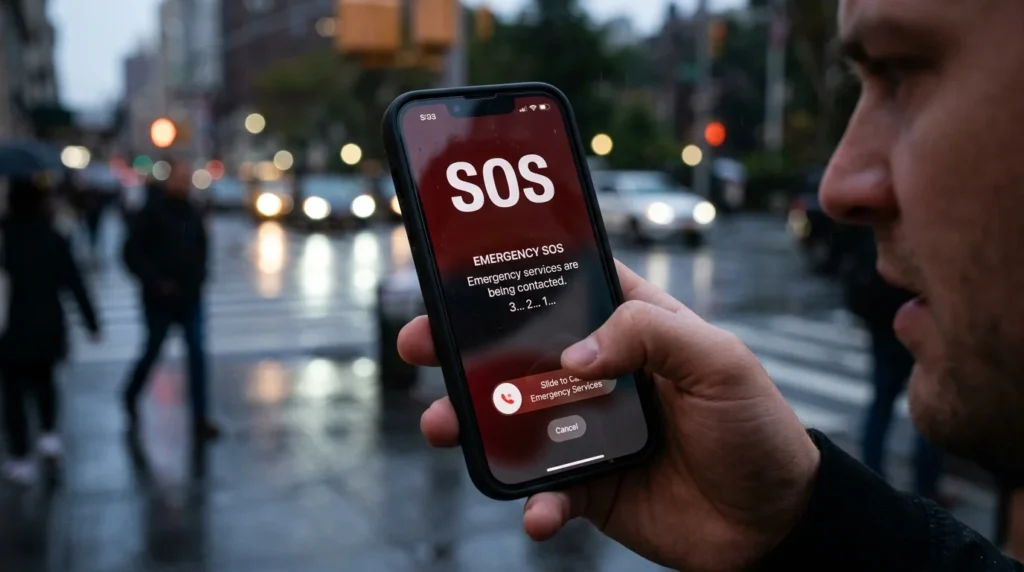
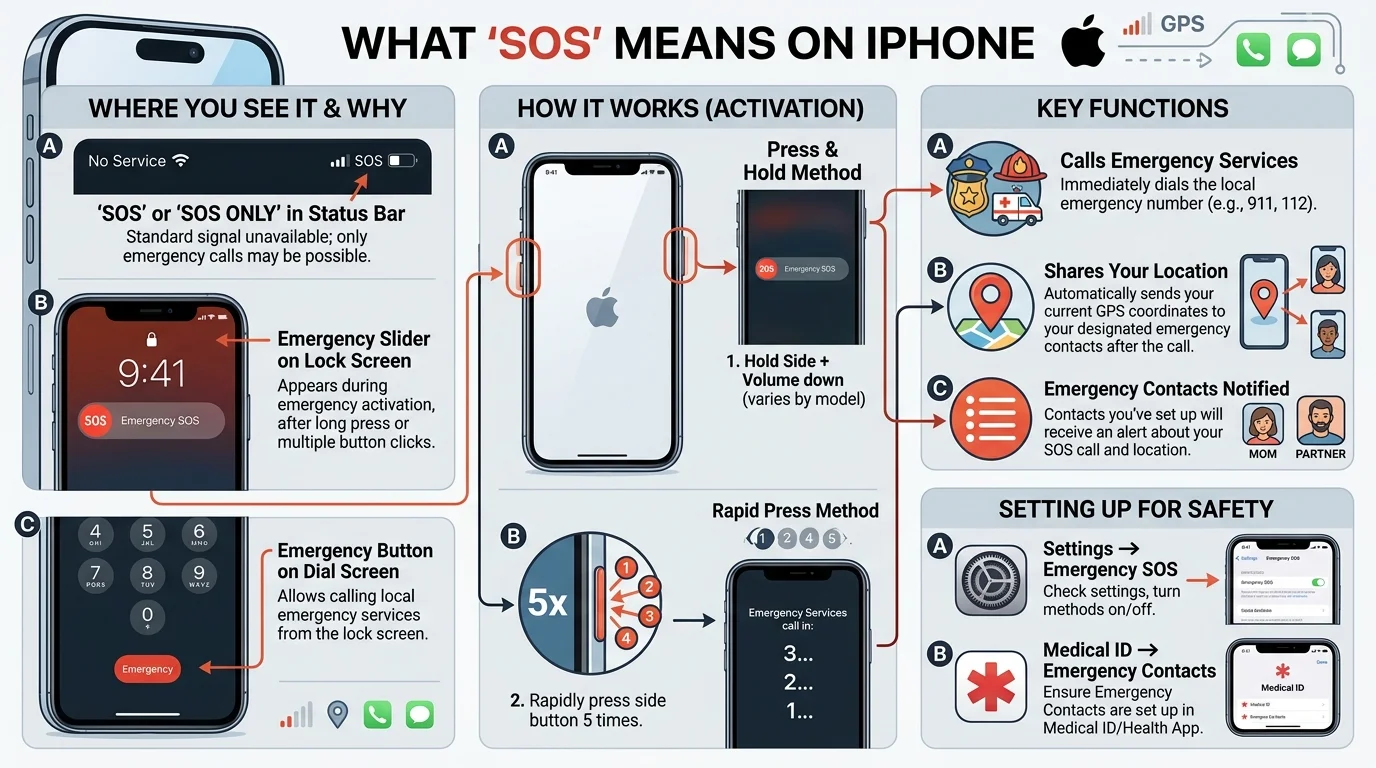
What Does SOS Meaning on iPhone?
Quick Definition
SOS or SOS Only means your iPhone cannot connect to your cellular carrier, but it can still place emergency calls using another available supported network.
What Can You Still Do?
When your iPhone displays SOS Only, you can usually:
- Call emergency services.
- Access emergency assistance if a compatible network is available.
What Can’t You Do?
Normally, you won’t be able to:
- Make regular phone calls.
- Send standard SMS text messages.
- Use cellular data.
- Receive normal calls or texts through your carrier until service is restored.
If you’re connected to Wi-Fi, internet-based services like messaging apps or Wi-Fi calling (if supported and enabled) may still work.
Why Does SOS Appear on iPhone?
Several situations can cause your iPhone to display SOS.
Poor Cellular Coverage
You’re in an area with little or no signal from your mobile carrier.
Examples include:
- Rural areas
- Mountains
- Underground parking garages
- Elevators
- Remote highways
Temporary Network Outage
Your carrier may be experiencing maintenance or a temporary service disruption.
SIM Card Issues
A damaged, loose, or improperly inserted SIM card (or an issue with your eSIM) may prevent your iPhone from connecting to your carrier.
Carrier Settings or Software Problems
Occasionally, outdated carrier settings or software glitches can interrupt your connection.
Account or Service Problems
In some cases, your carrier may have temporarily suspended service due to billing or account-related issues.
What Does “SOS Only” Mean?
SOS Only specifically indicates:
- No normal carrier service is available.
- Emergency calls may still be possible through another supported cellular network.
It doesn’t necessarily mean your iPhone is damaged—it simply can’t connect to your subscribed mobile network at that moment.
How to Fix SOS on iPhone
Try these troubleshooting steps.
1. Check Your Signal
Move to an area with better cellular coverage.
2. Toggle Airplane Mode
Turn Airplane Mode on for about 10 seconds, then turn it off.
This forces your iPhone to search for a cellular network again.
3. Restart Your iPhone
A simple restart often resolves temporary network glitches.
4. Check Your SIM Card
If your iPhone uses a physical SIM:
- Turn off the phone.
- Remove and reinsert the SIM card carefully.
- Restart the device.
If you use an eSIM, verify that it’s active in your settings.
5. Update Carrier Settings
Go to:
Settings → General → About
If a carrier settings update is available, your iPhone may prompt you to install it.
6. Update iOS
Install the latest iOS version if available.
Software updates can fix network-related bugs.
7. Contact Your Mobile Carrier
If the problem continues, your carrier can check for:
- Network outages
- Account issues
- SIM activation problems
- Service interruptions
Can You Still Call 911 With SOS?
Yes.
One purpose of SOS Only is to ensure you can still contact emergency services when your own carrier’s network isn’t available, provided another compatible network can handle the emergency call.
The exact emergency number depends on your country (for example, 911 in the U.S. and Canada, 999 in the U.K., or 112 in many regions).
Does SOS Mean Your iPhone Is Broken?
Usually, no.
Most SOS messages are caused by:
- Weak signal
- Carrier outages
- SIM problems
- Temporary software issues
Hardware problems are less common.
Common Mistakes and Misunderstandings
Mistake 1: Thinking SOS Means an Emergency Has Been Triggered
No. The status simply indicates limited cellular service.
Mistake 2: Assuming You Can’t Use Your Phone at All
If you’re connected to Wi-Fi, many apps and internet services may still function normally.
Mistake 3: Believing the SIM Card Is Always Bad
Many SOS messages are caused by poor coverage or temporary carrier issues rather than a faulty SIM.
Mistake 4: Ignoring a Persistent SOS Message
If the warning doesn’t disappear after basic troubleshooting, contact your carrier or Apple Support to investigate further.
SOS vs. No Service
| Status | Meaning | What You Can Do |
|---|---|---|
| SOS | Emergency calls may be available through another compatible network | Emergency calls only |
| SOS Only | No normal carrier service, but emergency calls may still work | Emergency calls only |
| No Service | No connection to your carrier and emergency calling availability may vary | Limited or no cellular service |
| Searching | iPhone is trying to locate a cellular network | Wait for connection |
Related posts:
 Best Above Reproach Meaning: Definition, Examples, Origin & How to Use It Correctly (2026)
 Best Harakiri Meaning Definition, History, Cultural Significance & Modern Usage (2026)
 Best Concentration Meaning: Definition, Examples, Uses, and Types (2026)
 Best MPH Meaning: Definition, Uses, Examples & Multiple Meanings Explained (2026)